1. Maintenance Overview
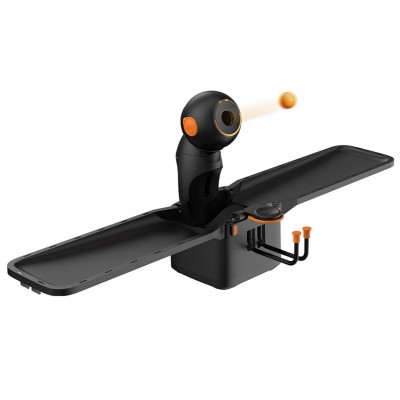
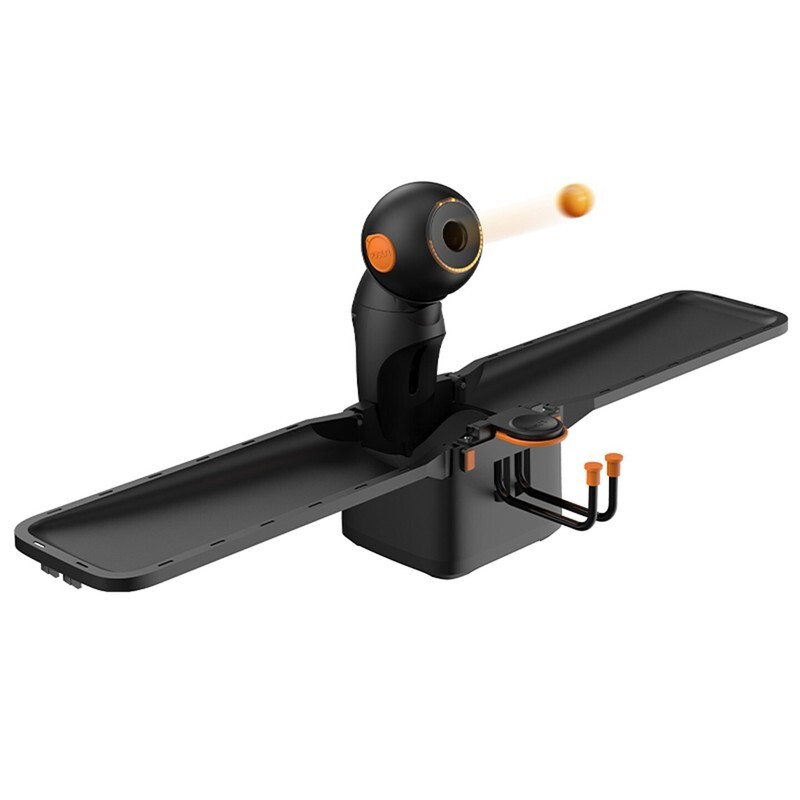
PUSUN DORA PRO table tennis robot is a high-precision intelligent training device integrated with AI adjustment, smart lighting, automatic ball feeding and cloud data modules. Standard daily maintenance is essential to retain its accurate ball serving, stable intelligent functions and long service life. Proper care effectively avoids common issues such as dust accumulation, mechanical jams and system errors. This guide covers standardized cleaning, operation rules, storage tips and fault prevention methods to keep the PUSUN DORA PRO table tennis robot in optimal working condition at all times.
2. Daily Cleaning & Routine Care
Simple cleaning after each training session and deep weekly maintenance greatly extend the performance of the PUSUN DORA PRO table tennis robot. Dust and ball debris easily gather on the serving track, swing structure and light sensing areas, which may weaken landing accuracy and 360° indicator light sensitivity over time.
Always use a dry soft lint-free cloth to wipe the body, serving outlet and horizontal & vertical swing components. Never spray water, alcohol or corrosive detergents directly on the device, as these liquids may damage internal circuits, 256-color lighting modules and voice prompt systems. Regularly clean the ball collecting plates and net of the automatic recycling system to remove residual debris and ensure smooth continuous ball feeding. Gently clean light lenses and sensing windows to guarantee precise AI parameter adjustment and normal dynamic light effects.
3. Standard Operation & Running Maintenance
Standardized operation protects the precision mechanical structure and intelligent control system of the PUSUN DORA PRO table tennis robot. With low power consumption below 60W, this precision device is not suitable for long-term uninterrupted high-intensity operation. Allow 10 to 15 minutes of heat dissipation after intensive training to avoid overheating, which may affect serving speed and frequency stability.
Do not manually force the horizontal and vertical angle structures. Adjust angles from -30° to +30° only via remote control, mini-program or APP to prevent mechanical dislocation and landing deviation. Make gentle adjustments during real-time training to ensure stable operation of AI automatic calibration and custom programming functions. Always power off the device through standard procedures after use instead of direct forced shutdown, protecting OTA firmware systems and permanent cloud data storage from damage and data loss.
4. Accessory Inspection & Replacement Tips
Complete accessory maintenance ensures stable overall performance of the PUSUN DORA PRO table tennis robot. Keep the standard remote control and power adapter dry and intact to avoid poor contact and control failure. Regularly check and tighten fixing screws to prevent device shaking that affects serving precision.
Inspect bonus accessories including the ball picker, collecting net and table tennis balls frequently. Replace worn balls regularly to reduce dust and jamming risks. Check collecting plates and nets for deformation or damage and replace faulty accessories in time, ensuring the automatic ball recycling system works smoothly for non-stop training.
5. Storage & Environmental Requirements
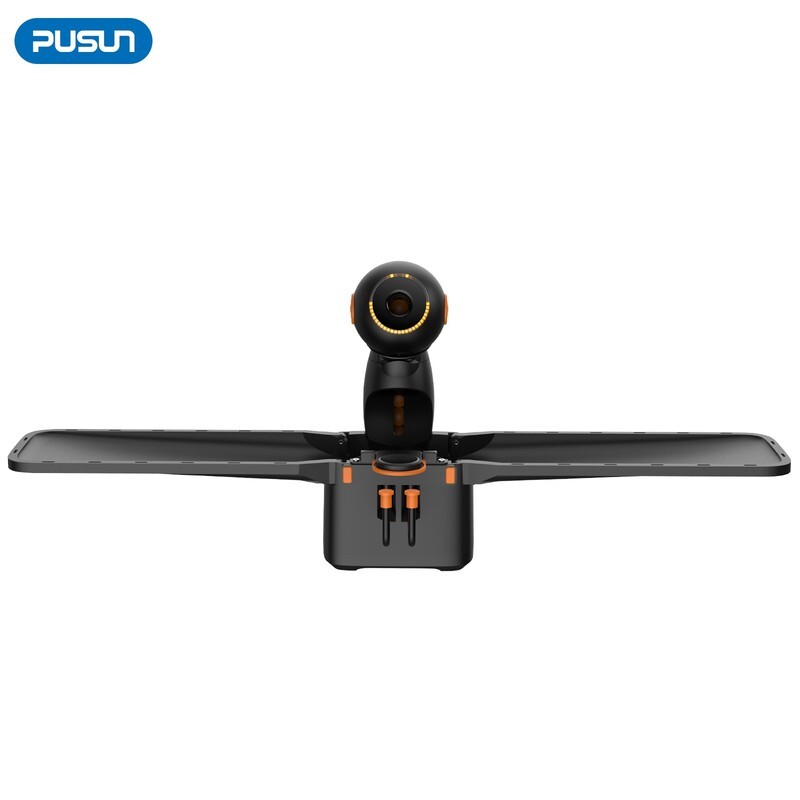
Store the PUSUN DORA PRO table tennis robot in a dry, ventilated and flat indoor place. Avoid long-term exposure to humidity, direct sunlight and high temperatures, which cause circuit aging, light module fading and smart system malfunction. Use a dust cover when the device is idle to protect precision internal components.
Empty the 150+ ball capacity warehouse during long-term storage to prevent structural deformation caused by long-time extrusion. Disconnect the power supply and store all accessories properly. Before restarting an idle device, test serving modes, light effects, voice prompts and network connection to ensure normal OTA upgrades, cloud data synchronization and APP voice control functions.
6. Fault Prevention & System Maintenance
Regular system inspection prevents potential faults for the PUSUN DORA PRO table tennis robot. Check and install official OTA firmware updates timely to optimize serving algorithms, 552 preset ball paths and AI adjustment performance. Calibrate parameters through the built-in AI system if minor serving deviation occurs.
Never disassemble or modify the internal structure privately, as unauthorized disassembly will damage precision parts and void the warranty. Stop operation immediately and contact official after-sales service if abnormal lighting, voice failure, feeding jams or data synchronization errors occur. Scientific and standardized maintenance keeps the PUSUN DORA PRO table tennis robot fully functional and extends its service life significantly.